MOCHE 1000GB
Join MOCHE 500GB and get an extra 500GB free.
Join MOCHE 500GB and get an extra 500GB free.
You get one free week with 500GB. After your first top-up of €7.50 or more, you get an extra 500GB per month.
+10,000 included minutes and SMS and roaming in the EEA, Ukraine, Moldova and the United Kingdom.
If you already have a MOCHE SIM card, insert the SIM into your phone and start using it!
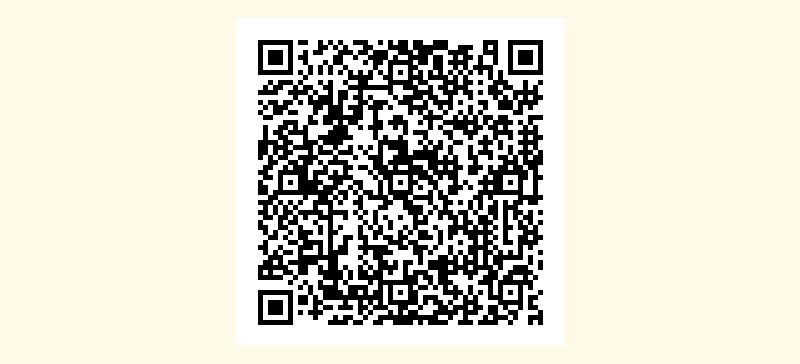
If you don't have a MOCHE SIM card yet, you can activate your eSIM here. Simply scan the QR code to download and activate your eSIM.
Open the eSIM menu on the device where you want to install your eSIM and follow these steps:
Open the eSIM menu on the device where you want to install the eSIM:
When you activate your digital SIM card, you get one free week with 500GB. After your first top-up, you'll receive an additional 500GB per month, as long as you remain on the MOCHE 500GB plan.
Point your phone's camera at the QR code displayed on this page.
Then, follow the instructions on your smartphone and, within a few minutes, your eSIM will be active with data ready to use. You must also register your eSIM in the my MEO app.
QR code on another device.
Open the eSIM menu on the device where you want to install the eSIM, as follows:
QR code on the same device